Text: Baisu. Images: Mew.Design.
More than twenty years ago, on a summer night before dawn, the air was hot and restless. The internet cafe was even more turbid: the smell of instant noodles, secondhand smoke, and excessive teenage hormones all mixed together in one sticky cloud.
Gunshots from CS, Half-Life, and my friends’ shouts came from not far away, but I had no attention to spare. I curled myself into the most inconspicuous corner booth, turned the brightness of the CRT monitor to the lowest setting, and my heart beat like I was playing an unwinnable round of StarCraft. I was still in middle school that year. I had saved a week’s breakfast money for an entire overnight session. But I was not there to play games.
On the screen was a black command-line window that looked completely out of place among all the flashy game interfaces around it. My first move was not an attack, but “listening”: listening, in numbers, to the breathing of dozens of computers in that internet cafe.
Then I typed the scanning command I still remember clearly:
C:\> nmap -p 135 192.168.1.0/24This command would probe the whole local network like a bat’s echolocation, finding which computers had port 135 open. The wait lasted only minutes, but every second felt like a century. Finally, scan results appeared line by line, and my eyes locked onto one:
Host 192.168.1.250 is up. Port 135/tcp is open.That was it.
At the time, not many people knew what this meant. The network administrators there probably did not even know what cmd was. Microsoft had just released the MS03-026 security patch, but the internet cafe owner clearly had not installed it on every machine yet. That open 135 port was the fatal buffer overflow vulnerability in RPC DCOM. It was like an unlocked back door, wide open in front of me.
I took a deep breath. The sticky air made me cough a little. I looked around. The network admin was dozing off. The guy in the next seat had fallen asleep on the keyboard. Good. I turned back and loaded my ultimate weapon in the command line: the exploit program I had downloaded from the “Huaxia Hacker Alliance” forum, built specifically for this vulnerability.
C:\> dcom_exploit.exe 192.168.1.250Enter.
No fancy progress bar. No confirmation popup. Only a few seconds of deathly silence.
Then a new command prompt appeared on my screen out of nowhere:
C:\WINDOWS\system32>It worked.
At that moment, I felt like a ghost in the digital world, silently passing through the iron walls of that noisy internet cafe. I did not do anything bad. I only used dir to look at the C drive file list, left a harmless mark with echo "Agenl was here, fix your computer quickly" >proof.txt, and immediately disconnected.
Dawn was breaking. I paid, logged off, and put the few yuan of deposit back into my pocket. Walking out of the internet cafe, the cool morning wind hit my face, and I let out a long breath. Nobody knew that in the previous few hours, this ordinary-looking boy in a school uniform had briefly played the role of a “hacker.”
That feeling of gaining the highest underlying control over a computer through precise and mysterious lines of text, that absolute control of “I say, you listen,” was forever carved into my brain.
The little story above is something I personally experienced more than twenty years ago.
So I am familiar with cmd and CLI. That is also why I am not surprised at all by the popularity of Claude Code this year, along with Gemini CLI, Amazon Q, and other CLI products.
In fact, as early as the beginning of 2023, when I first started studying AI Agent products, I felt the product most suitable for AI transformation should be iTerm2, a terminal application on macOS.
This was not a random thought.
In 2021, I worked on a data storage project. Alone, I had to manage dozens of servers in a machine room, each machine connected to at least 30 hard drives. All our machines ran Linux. No monitors, no graphical interface.
Every operation, from deploying systems to monitoring hard drive status to migrating data, was done through SSH and command line.
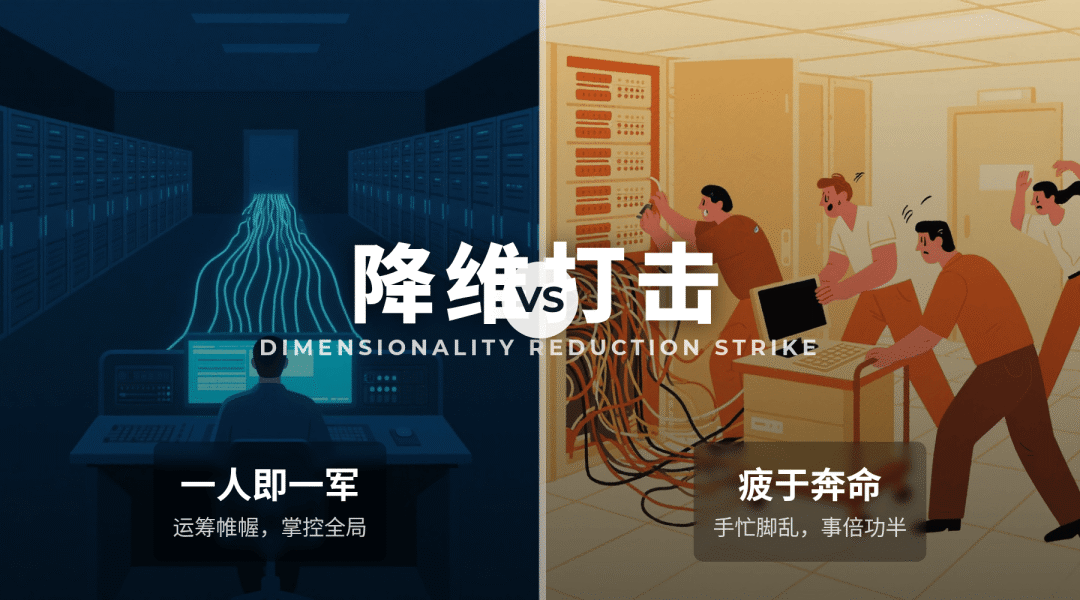
What were our peers like? They pushed a small cart with a monitor, keyboard, and mouse, like old traveling doctors, connecting to computers one by one and clicking around in graphical interfaces.
So when we used scripts to manage all machines with one command, we formed an absolute “dimensionality reduction attack” against them.
Fast-forward to 2023, and an open-source project called open-interpreter became popular.
What could it do? You could use natural language in the macOS terminal to let it generate and execute AppleScript, directly operating your computer.
For example, if you said, “Help me move all screenshot files on the desktop into a Screenshots folder,” it could do it automatically.
Why am I telling these stories?
Because I want to say that the rise of CLI Agents was never accidental. It is the inevitable result of technology reaching this point.
Behind it are two inseparable core reasons.
Reason One: CLI Is the “Native Language” of Computer Interaction
We may have forgotten that the graphical user interface, GUI, is actually a “translator.” It was made so ordinary people who do not understand computer principles could still use computers by clicking visual things like icons and buttons.
But for the computer itself, the most natural and efficient communication method is command-line instruction.
Just like in my three stories:
-
In 2003, when I used nmap and an exploit program, I was directly commanding the operating system kernel and network protocol stack to work for me.
-
In 2021, when I used SSH, grep, and bash scripts, I was directly commanding Linux systems to perform batch file operations and system management.
-
In 2023, when open-interpreter used AppleScript, it was also calling the system’s most native automation language.
CLI is the computer’s native language. It bypasses all graphical packaging and reaches directly into the core of power.
As a “super brain” pursuing ultimate efficiency, what is the most natural choice after an AI Agent finishes thinking? Of course it should speak the native language and call CLI directly to execute tasks, not imitate humans by clicking buttons across GUI windows.
Asking AI to learn how to operate GUI is like asking a multilingual diplomat to communicate through gestures. It is funny, inefficient, and unnecessary. But in 2024, this metaphor actually played out and became popular in a way I found unbelievable.
In 2024, many so-called “UI Agent” products suddenly became popular. How did they work? Like a person, they first took a screenshot of your screen, used a vision model to identify which part was a button and which part was an input box, then simulated mouse movement, clicking, and typing.
They chained a series of such operations together and pretended to be a person operating the computer. To let the large model identify and click more accurately, they also needed to reverse-extract UI elements from screenshots and perform grounding.
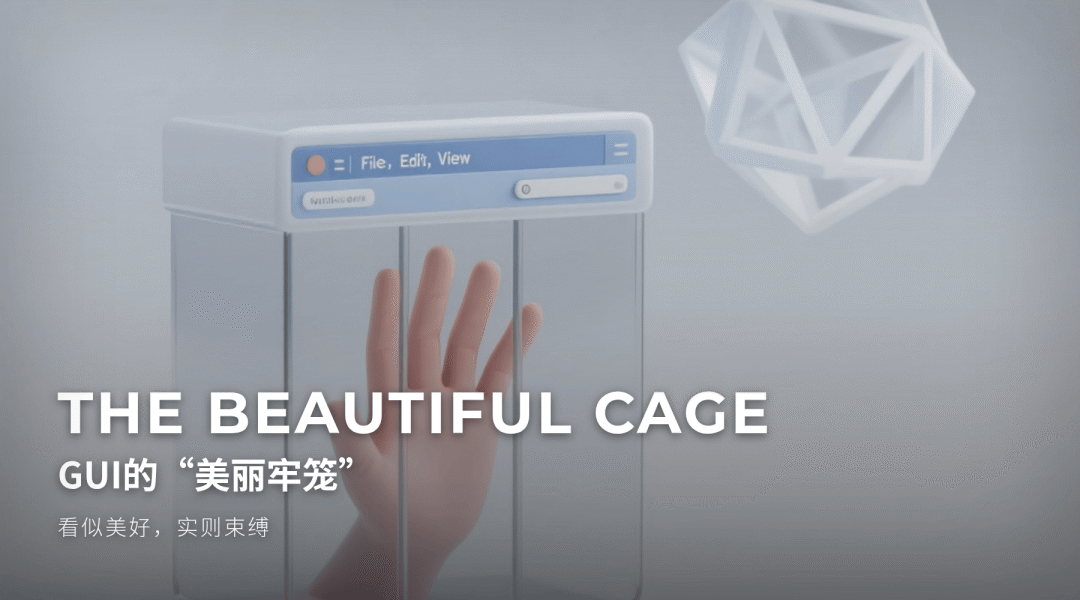
Reason Two: GUI Is Predefined, but the World Is Not
This is the deeper reason.
The product philosophy of GUI is guidance and presetting. Its essence is that product managers and programmers predict your possible needs in advance, then turn those needs into fixed buttons, menus, and flows.
In the past, this was an advantage. In the AI era, it becomes a fatal cage.
Take the tired old example: in a design tool, you want to “change all red elements to blue, while keeping each element’s opacity unchanged.”
GUI cannot provide a one-click button for this. When it was designed, it could not possibly anticipate such a strange yet extremely specific need. You can only follow its preset and tedious steps manually, one by one.
GUI’s “what you see is what you get” sadly becomes “what you see is what limits you.”
The arrival of AI Agents completely breaks this limitation.
AI’s strength is precisely understanding and handling non-preset, infinite, dynamic, complex intentions. When you express a need in natural language, an AI Agent breaks it down into a series of the most basic, native command-line instructions to execute.
-
It does not need a “turn blue” button.
-
It only needs to know how to
findall qualified objects, thenset_color.
GUI draws a map for you, and you can only walk on fixed roads.
CLI gives AI a wide piece of land, letting it plan the shortest and most efficient path according to your destination.
So now, when we look again at the popularity of Claude Code and Gemini CLI, everything becomes clear.
This is not history going backward to the primitive age of black screens and white text.
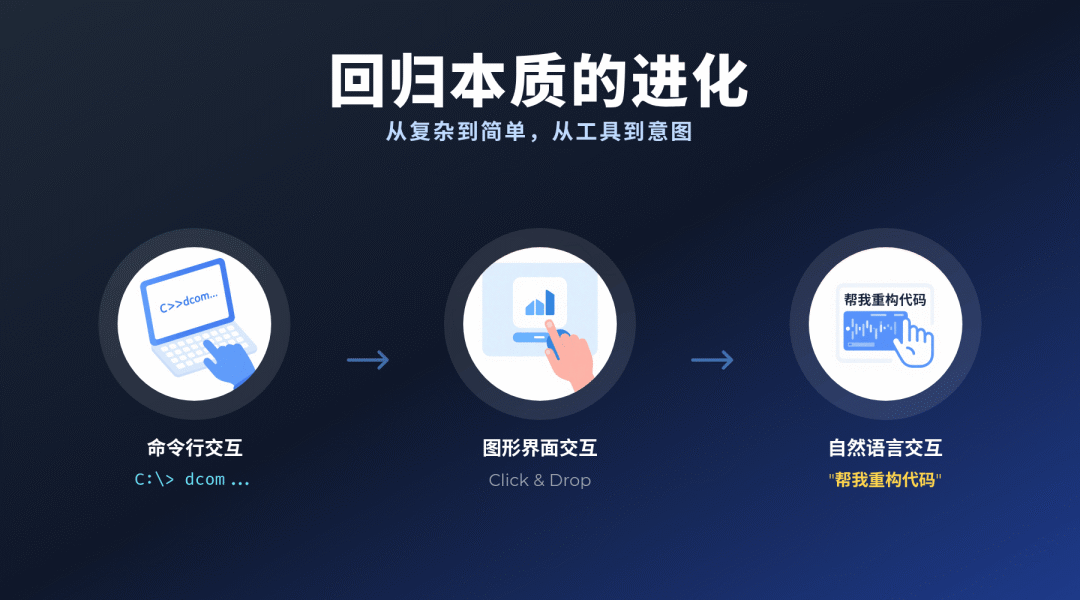
On the contrary, it is the ultimate evolution of returning to essence.
In the past, humans had to learn the machine’s obscure “native language,” the command line, to gain absolute control over machines.
Now, the machine, AI, has actively learned human language, then uses its best “native language,” command line, to serve us.
We can finally throw away GUI as a translator and crutch. We no longer need to learn how to use a preset tool. We only need to think clearly and express our intention accurately.
From “learning to use tools” to “learning to express intention”: this is the greatest liberation the AI era has brought us.
And all of this begins with that seemingly simple black screen and white text, with its blinking cursor and infinite possibilities. It connects the past and defines the future.
Unlimited AI capability and GUI interfaces are actually in conflict.
Original
This article was first published on the WeChat Official Account “白苏Elliot”: https://mp.weixin.qq.com/s/FYGOc7d4aiAcL-WnnVxObQ